Integrated or standalone
Capture Snaps enhances your existing booth offering or runs as a powerful standalone experience. Use it alongside a booth or deploy it as its own feature — fully branded, fully interactive, and designed for real events.

EVENT SOFTWARE FOR PHOTO BOOTH BUSINESSES
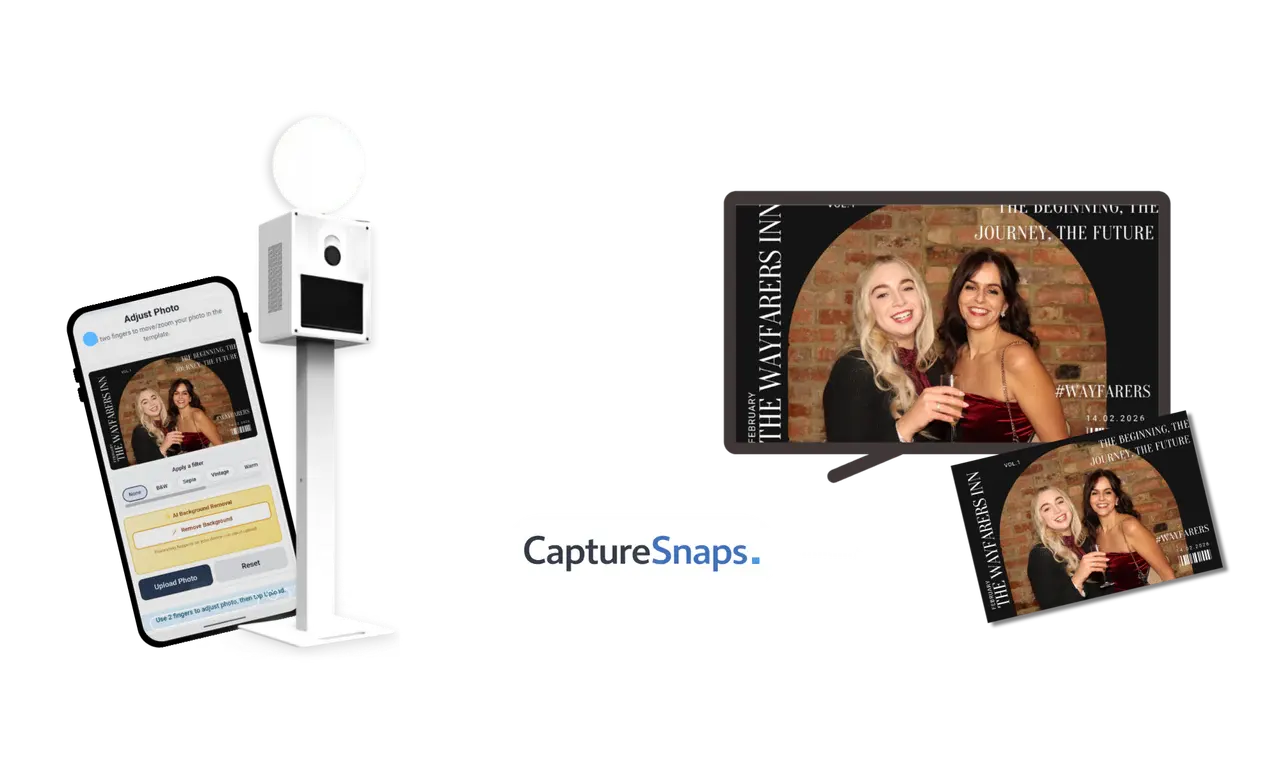
Capture Snaps enhances your existing booth offering or runs as a powerful standalone experience. Use it alongside a booth or deploy it as its own feature — fully branded, fully interactive, and designed for real events.
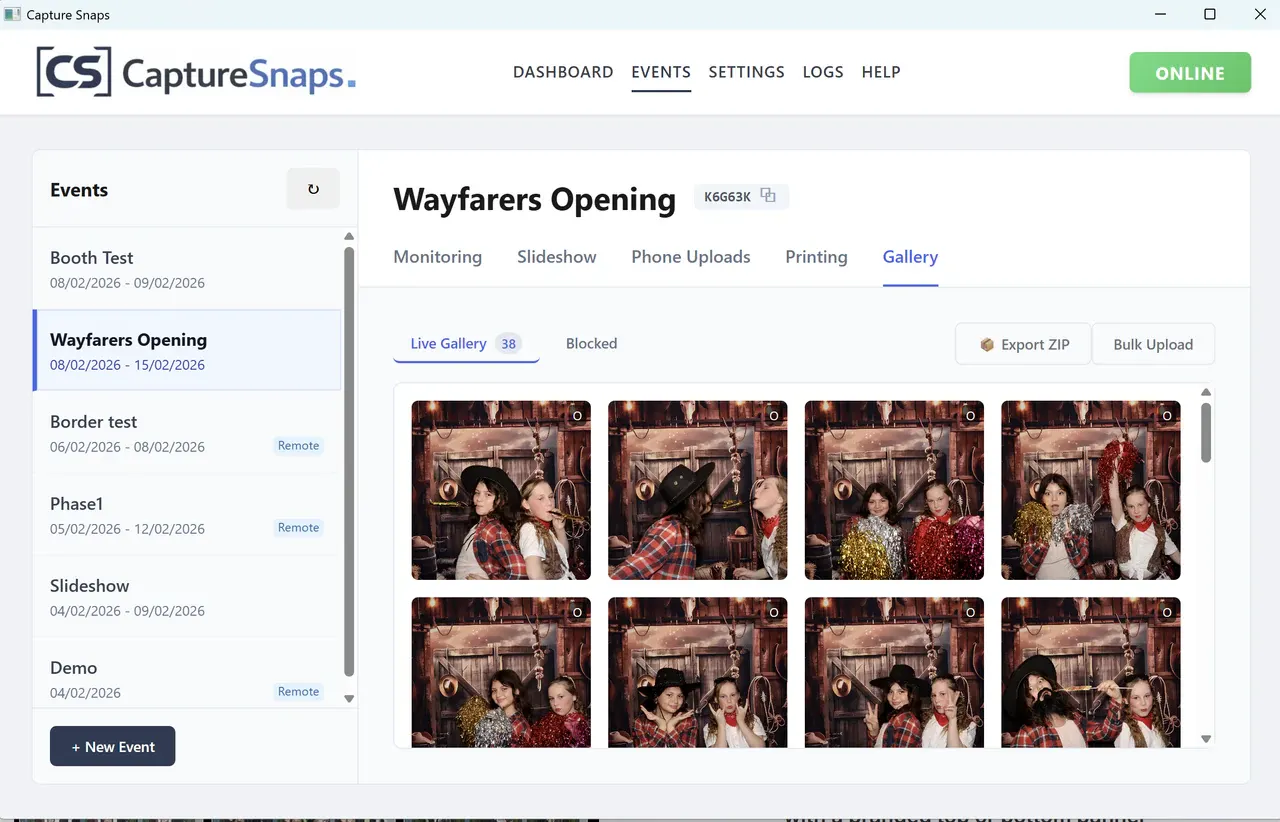
Create live galleries from multiple watch folders, publish a client-facing web gallery and send originals, processed composites or both to SmugMug or Dropbox.
Choose no printing, guest choice, automatic printing or one print per person. Use a printer with compatible drivers for your operating system, set copy counts and recover failed jobs from the queue.
Combine booth images and guest phone uploads into a single live slideshow. Perfect for projectors, venue TVs or rear booth displays — keeping energy high and guests engaged all night.
Unlike simple QR galleries, Capture Snaps lets you brand images, control what appears on screen, print uploads instantly, and present everything as a polished, professional booth feature.
Match overlays, backgrounds and slideshow colours to your booth style or the client’s event. Add logos and layouts so the slideshow and phone uploads look intentional, not bolted on.
Keep live, pending and blocked content separate. Approve or reject uploads, block a device, restore an image, reprint a favourite or export the event gallery.
Assign one computer full control and printing, then use extra devices for the slideshow or gallery without creating duplicate print jobs.
Schedule event start and stop when you need the full experience, or use Upload Only Mode to watch folders and deliver media without creating an event.

Capture Snaps gives you a flexible experience you can sell as an upgrade, bundle into premium packages, or offer as a standalone option — all without changing how you already run events.
Explore the complete feature set →DOWNLOADCapture Snaps slots into existing photo booth workflows with minimal setup. Desktop downloads are available for Windows and Mac. Choose the right installer for your computer, then check your printer drivers and test your equipment together before event day.
See how watch folders connect your booth →DOWNLOAD TRIAL
Guests scan a QR code and upload photos during the event.
Uploads appear live in your chosen slideshow layout, with branding and optional advert screens.
Photos are shown on screens, can be printed using your existing setup, and delivered after the event.
Capture Snaps can be used alongside a photo booth or as a standalone experience. Many operators run it on its own for events as a replacement for a photo booth or as an additional product within their packages.
Capture Snaps has desktop downloads for Windows, Macs with Apple silicon and Intel Macs. Choose the installer that matches your computer and check that your printer has compatible drivers for your operating system. Test your booth, watch folders, display and printing together before using a new setup at a live event.
Yes. You can apply branded overlays to uploaded photos, choose different slideshow layouts, and add branded graphics to the slideshow display. This makes the experience feel intentional and tailored to each event.
Yes. Guest uploads can appear live in a slideshow on a DJ screen, venue TV, projector, or booth display. You can choose different layouts and even insert full-screen graphics using advert mode.
Yes. You can moderate uploads, choose how photos are displayed using different slideshow layouts, and use advert mode to insert full-screen graphics between images.
Yes. Set one device as the Operator for full control and printing, then use Viewer devices to run a slideshow or browse the gallery without producing duplicate print jobs.
Managed event records and associated managed cloud media are automatically deleted 60 days after the event end date. Exported files and copies sent to other services remain under your control.
Need help deciding? Contact Capture Snaps or browse the Knowledge Base.
DOWNLOAD TRIAL