
Real-time stats
Last reviewed: 14 August 2026 · Documentation version: 1.0 · Applies to: Current Capture Snaps release
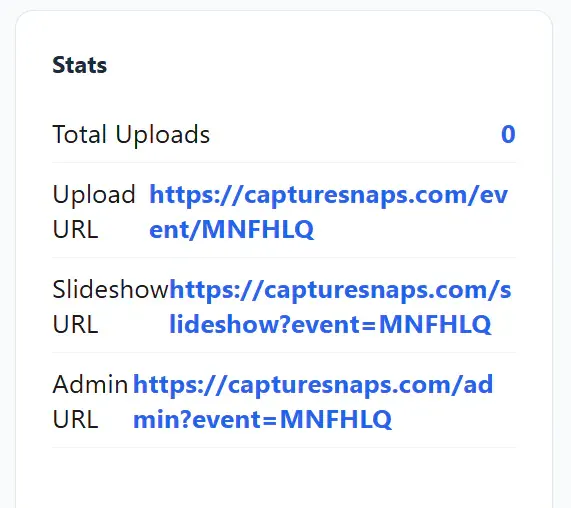
Real-time event information helps you confirm that images are arriving and moving through the expected workflow.
What to monitor
Depending on the event configuration, the live view can help you check:
- Booth images received through watch folders
- Guest phone uploads
- Images awaiting moderation
- Slideshow activity
- Print jobs
- Cloud upload and delivery progress
Before guests arrive
Send one booth image and one phone upload through the system. Confirm that the counts change and that each image reaches its intended slideshow, printer or cloud destination.
During the event
Capture Snaps is designed to run unattended, including during temporary connectivity problems. If a number stops changing unexpectedly, check the relevant source first: the booth watch folder, guest network, printer or connected cloud service.
Uploads resume when connectivity returns. Avoid rebuilding a working event configuration during a short network interruption; use the status information to identify which part of the flow is waiting.
See also: Upload destinations and cloud sync status.
Email james@capturesnaps.com and we’ll help you get sorted.